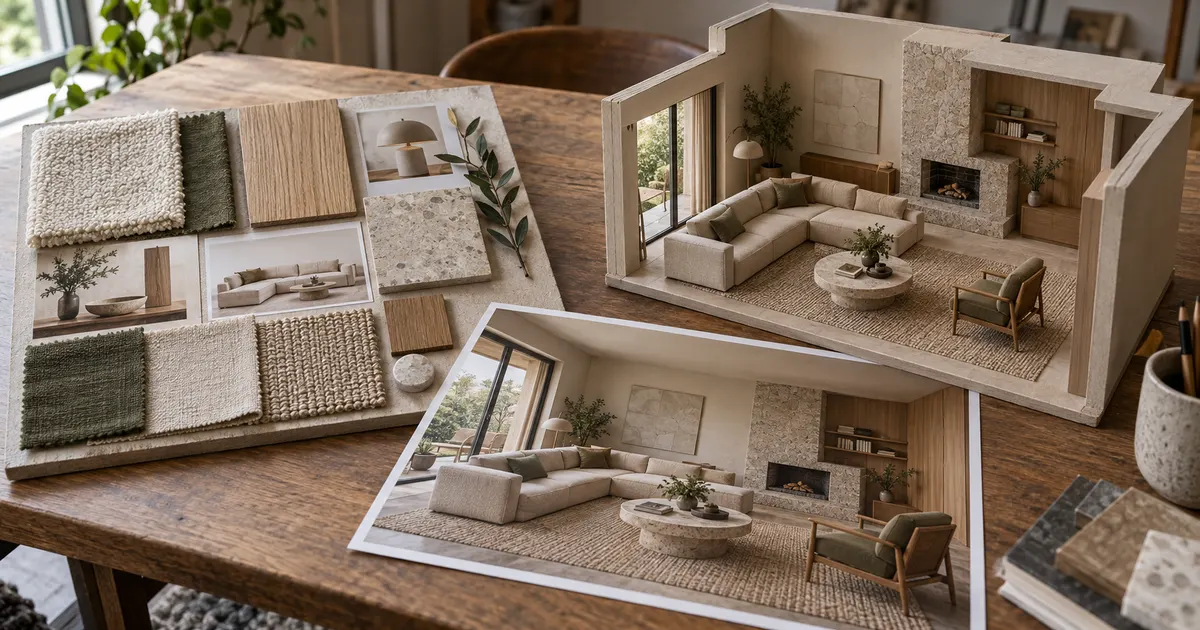
Use a mood board to agree on direction, a fixed render to discuss one composed view, and an explorable room to inspect spatial relationships from several viewpoints. Use a measured plan for dimensions and coordination. Most projects need more than one of these.
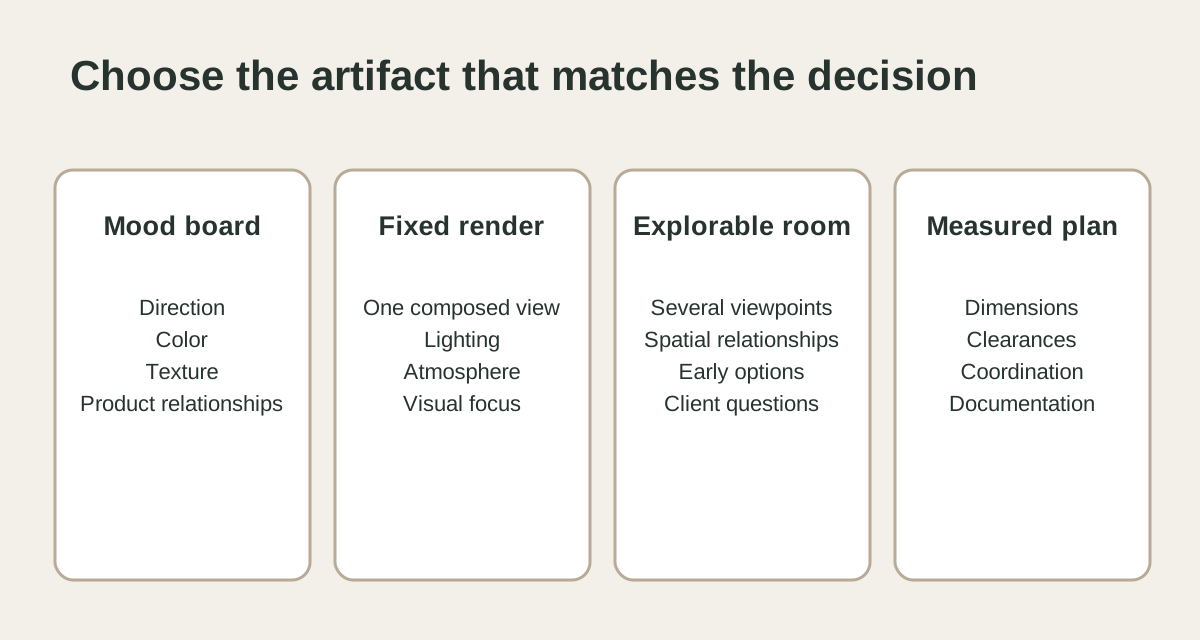
Use a mood board for direction
A mood board brings colors, textures, references, and selected products into one conversation. It helps a client react to the design language before the details are settled. It does not show how the whole room feels from a specific position.
Use a fixed render for one composed view
A fixed render controls the camera and visual emphasis. It is useful when the decision depends on a particular sightline, lighting condition, or composition. The client sees what the image includes, but cannot move behind the camera to inspect another relationship.
Use an explorable room for spatial questions
An explorable room is useful when the client needs to move between viewpoints, compare early furniture arrangements, or inspect how major pieces relate. It can expose questions that a carefully selected fixed view does not show.
Use a measured plan for dimensions
Use a measured plan to confirm dimensions, clearances, circulation, and technical coordination.
A simple meeting sequence
- Use the mood board to confirm direction.
- Show the complete room in a fixed view or explorable concept.
- Move to the viewpoints where a layout or product decision is needed.
- Return to the measured plan when the question concerns fit or clearance.
- Record which type of approval the client gave.
Houzz Pro’s design guidance likewise treats mood boards, 3D floor plans, and walkthroughs as different presentation tools rather than substitutes for one another. Its guides cover mood boards and visualization workflows.
Open the living-room example, then use the client presentation guide to plan the review. To build a room from photos, start with the capture checklist.